October 7, 2024
database · postgresql · Uncategorized
Open Socket & Open Files in PostgreSQL
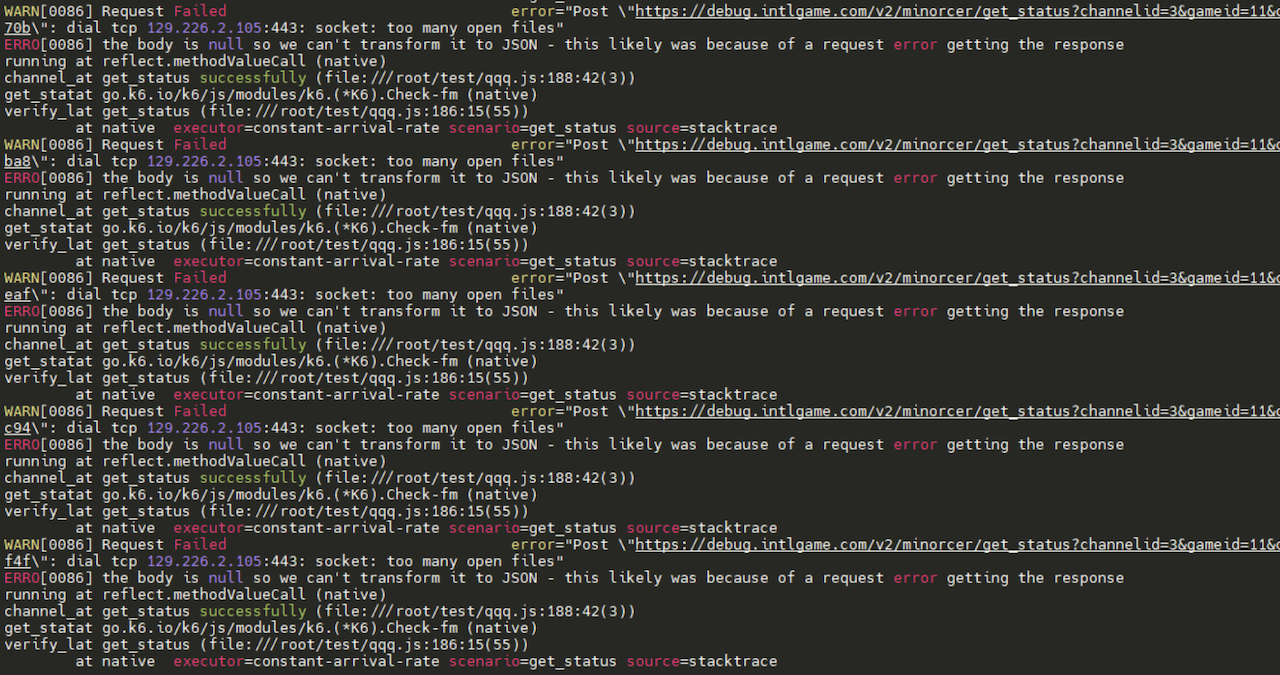
In the context of PostgreSQL (and operating systems in general), “open sockets” and “open files” refer to two different types of resources that are managed by the system. Here’s a detailed comparison:
1. Definition
Open Sockets:
- Sockets are endpoints for communication between processes over a network. In PostgreSQL, they facilitate client-server communication, either over TCP/IP or Unix domain sockets.
- Each socket represents a communication channel for a specific client connection.
Open Files:
- Open files refer to file descriptors that are used by the operating system to manage files, including data files, WAL files, temporary files, and log files.
- Each file descriptor allows processes to read from or write to files stored on disk.
2. Usage in PostgreSQL
Open Sockets:
- Used to handle client connections to the PostgreSQL server.
- Each connection to the database typically consumes one socket, which is maintained by a backend process.
Open Files:
- Used for accessing various database files on disk, including tables, indexes, and logs.
- Each database object requires a file descriptor, and operations on these objects involve opening and managing these files.
3. Resource Limits
Open Sockets:
- Limited by the operating system’s networking configuration and the
max_connectionssetting in PostgreSQL. - Exceeding the socket limit can lead to connection refusals or failures.
- Limited by the operating system’s networking configuration and the
Open Files:
- Limited by the operating system’s file descriptor limits and the
max_files_per_processsetting in PostgreSQL. - Exceeding this limit can cause queries to fail or new connections to be rejected.
- Limited by the operating system’s file descriptor limits and the
4. Monitoring
Open Sockets:
- Monitored using tools like
netstat,ss, or PostgreSQL’spg_stat_activityto see active connections and their states. - Example SQL to check active connections:sql
SELECT * FROM pg_stat_activity;
- Monitored using tools like
Open Files:
- Monitored using commands like
lsoforulimitto track the number of open files by processes. - Example command to check open files:bash
lsof -u postgres | wc -l
- Monitored using commands like
5. Performance Considerations
Open Sockets:
- High numbers of open sockets can lead to increased resource usage, affecting performance. Connection pooling can help manage this.
- Latency and network issues can also impact performance.
Open Files:
- Efficient file management is crucial, especially for databases with many tables and indexes. Poor management can lead to resource exhaustion and slow performance.
- Temporary file usage due to long-running queries can significantly increase open file usage.
6. Configuration
Open Sockets:
- Controlled by settings like
max_connectionsandlisten_addressesinpostgresql.conf. - Security settings in
pg_hba.confdetermine which clients can connect and how.
- Controlled by settings like
Open Files:
- Controlled by settings like
max_files_per_processinpostgresql.confand system-level limits (e.g., set in/etc/security/limits.conf).
- Controlled by settings like
Conclusion
While open sockets and open files are both critical resources in PostgreSQL, they serve different purposes and have different management strategies. Understanding the differences between them helps in configuring, monitoring, and optimizing PostgreSQL for performance and reliability. Properly managing both resources is essential for maintaining a stable database environment.
Sumber asli: https://www.solusidb.com/2024/10/07/open-socket-open-files-in-postgresql/